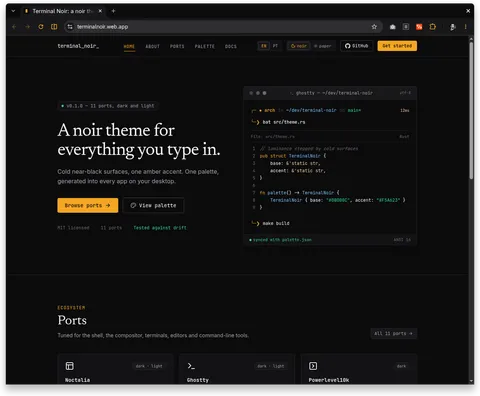
v0.1.0-beta — 12 ports, dark and light
A noir theme for everything you type in.
Cold near-black surfaces, one amber accent. One palette, generated into every app on your desktop.
MIT licensed12 portsTested against drift
Ecosystem
Ports
Tuned for the shell, the compositor, terminals, editors and command-line tools.
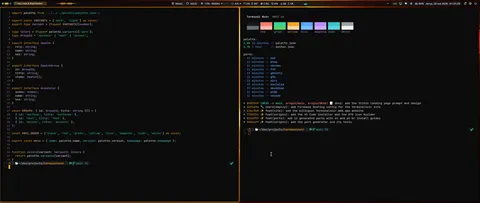 dark · lightNoctaliaNoctalia shell palette with dark and light modes.Desktop
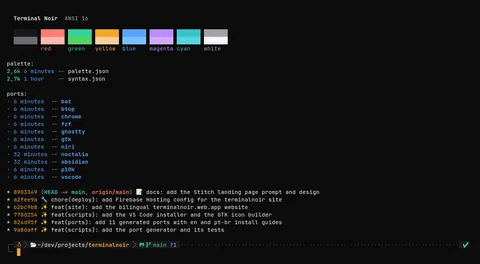 dark · lightGhosttyGhostty themes for dark and light.Terminal
 darkPowerlevel10kColor overrides for Powerlevel10k, built for the classic and rainbow styles.Terminal
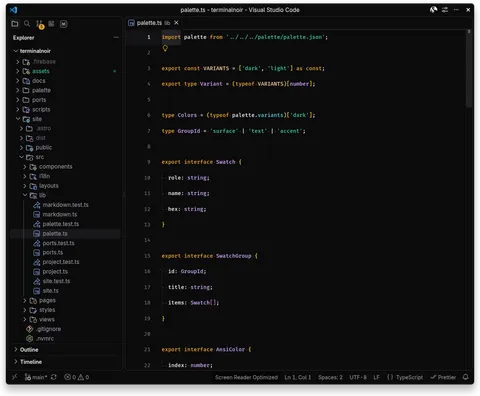 darkVS Code / CursorA dark color theme extension: editor chrome, integrated terminal and syntax highlighting.Editors
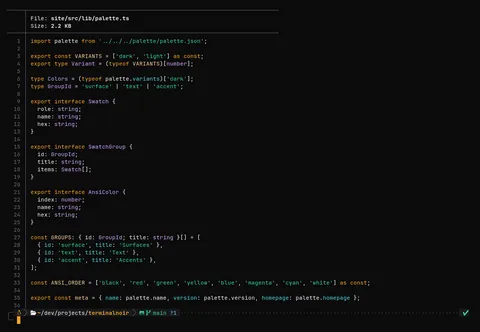 darkbatA bat syntax theme (TextMate format).CLI tools
 darkGoogle ChromeA browser theme (frame, tabs, toolbar, address bar, new tab page). Chrome themes have no light variant.Apps
Quickstart
Installation
Each port ships ready-made files. Copy, and you are done.
From ports/ghostty, in the repo root:
mkdir -p ~/.config/ghostty/themes
cp terminal-noir-dark terminal-noir-light ~/.config/ghostty/themes/
From ports/vscode, in the repo root:
scripts/install-vscode # packages a .vsix and installs it in VS Code and CursorFrom ports/bat, in the repo root:
mkdir -p "$(bat --config-dir)/themes"
cp "Terminal Noir.tmTheme" "$(bat --config-dir)/themes/"
bat cache --build
From ports/fzf, in the repo root:
source /path/to/terminalnoir/ports/fzf/terminal-noir.shOpen source
Missing your favorite tool? Build a port.
A port is one short script that reads palette.json and writes the app’s native theme, plus a test. Add yours and open a pull request.