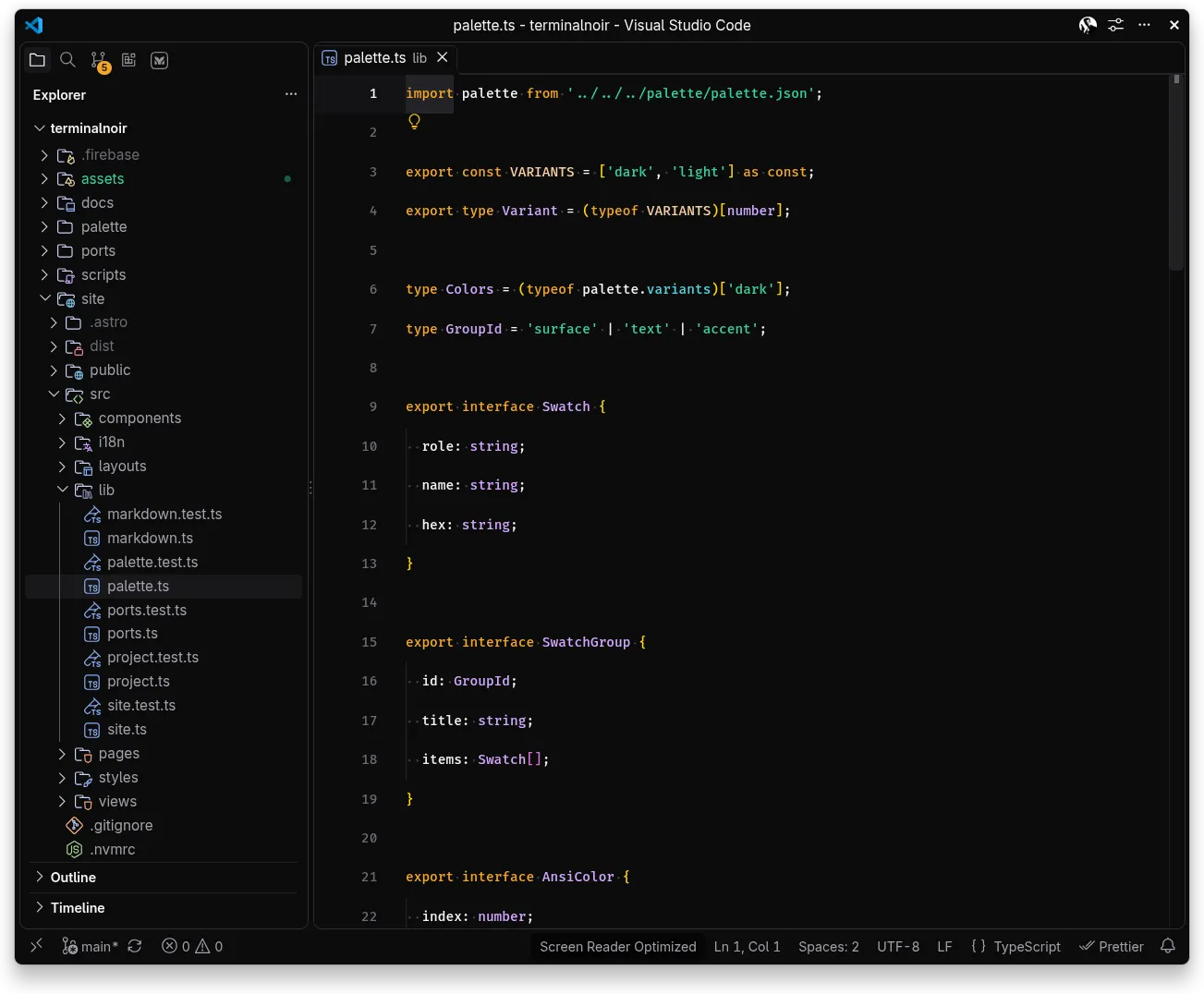
A dark color theme extension: editor chrome, integrated terminal and syntax highlighting.
Install
From the repo root:
scripts/install-vscode # packages a .vsix and installs it in VS Code and CursorThen select it: Preferences > Color Theme > Terminal Noir, or in settings.json:
"workbench.colorTheme": "Terminal Noir"A folder dropped into ~/.vscode/extensions is ignored by current VS Code and Cursor, which only load extensions registered by --install-extension. Rerun the script after make build changes the theme.