Ecosystem
Ports
Tuned for the shell, the compositor, terminals, editors and command-line tools. Each port has its install steps.
12 apps and growing
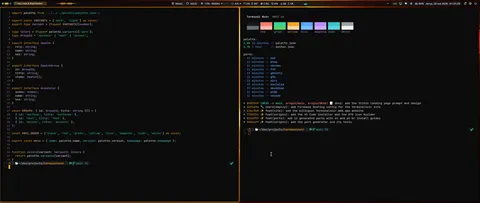 dark · lightNoctaliaNoctalia shell palette with dark and light modes.Desktop
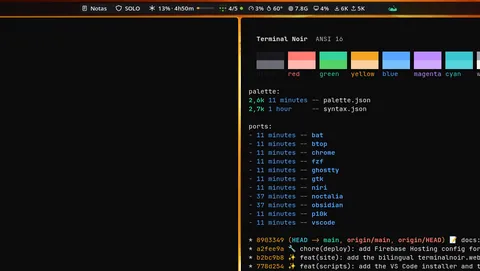 darkniriWindow decorations for niri: an amber focus ring at 80% opacity, outline grey on unfocused windows, error pink on urgent ones, and an amber insert hint.Desktop
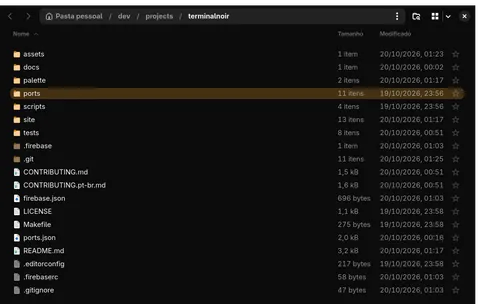 darkGTK / libadwaitaDark colors and the amber accent for GTK 4 and libadwaita apps (Nautilus, file chooser, settings dialogs), plus an icon theme with amber folders.Desktop
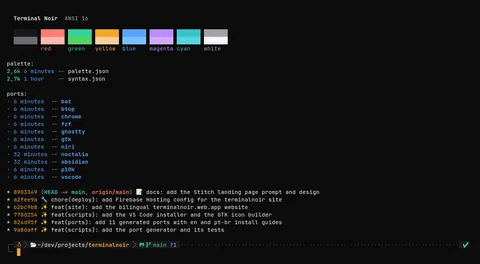 dark · lightGhosttyGhostty themes for dark and light.Terminal
 darkPowerlevel10kColor overrides for Powerlevel10k, built for the classic and rainbow styles.Terminal
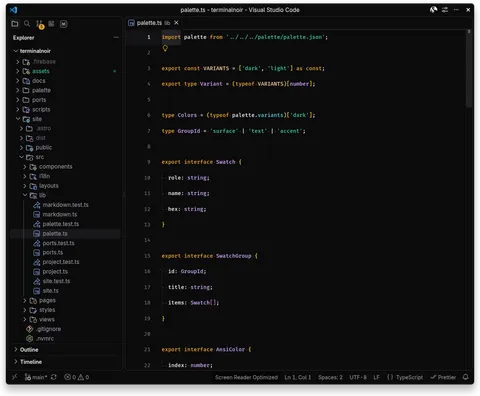 darkVS Code / CursorA dark color theme extension: editor chrome, integrated terminal and syntax highlighting.Editors
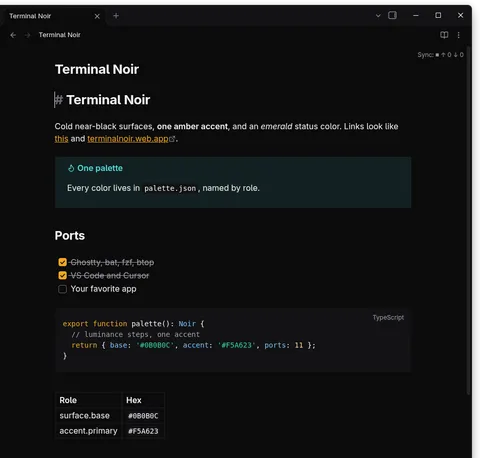 darkObsidianAn Obsidian theme for dark mode: near-black panes, amber links and accent, and code blocks in the same colors as the editor ports.Editors
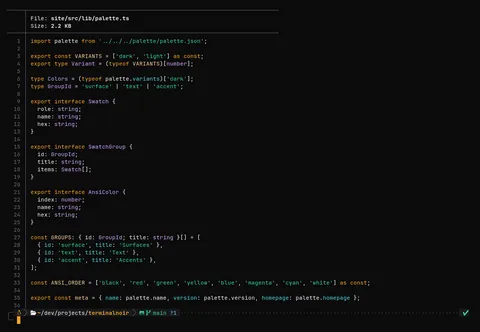 darkbatA bat syntax theme (TextMate format).CLI tools
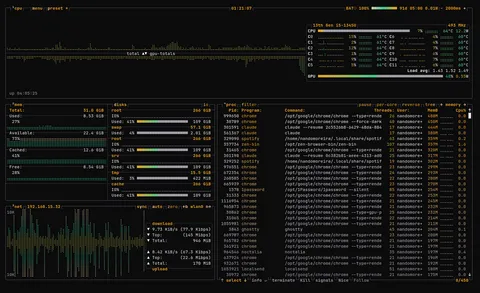 darkbtopA btop color theme: amber titles, outline boxes, and load gradients that run from emerald through cream to pink.CLI tools
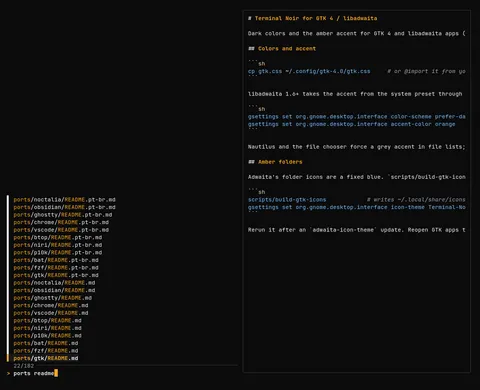 darkfzfColors for fzf: amber matches and pointer, an elevated selected row, emerald markers, on your terminal background.CLI tools
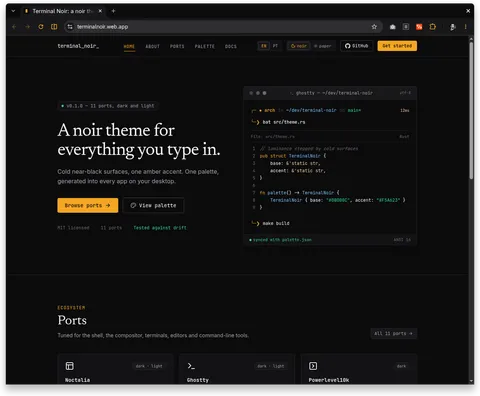 darkGoogle ChromeA browser theme (frame, tabs, toolbar, address bar, new tab page). Chrome themes have no light variant.Apps
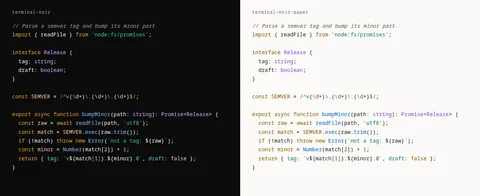 dark · lightShikiShiki themes for code on websites: terminal-noir.json (dark) and terminal-noir-paper.json (light). Every token clears WCAG AA on the theme's background.Editors
- requestRequest a portMissing your terminal, editor or tool? Open an issue on GitHub.Open issue