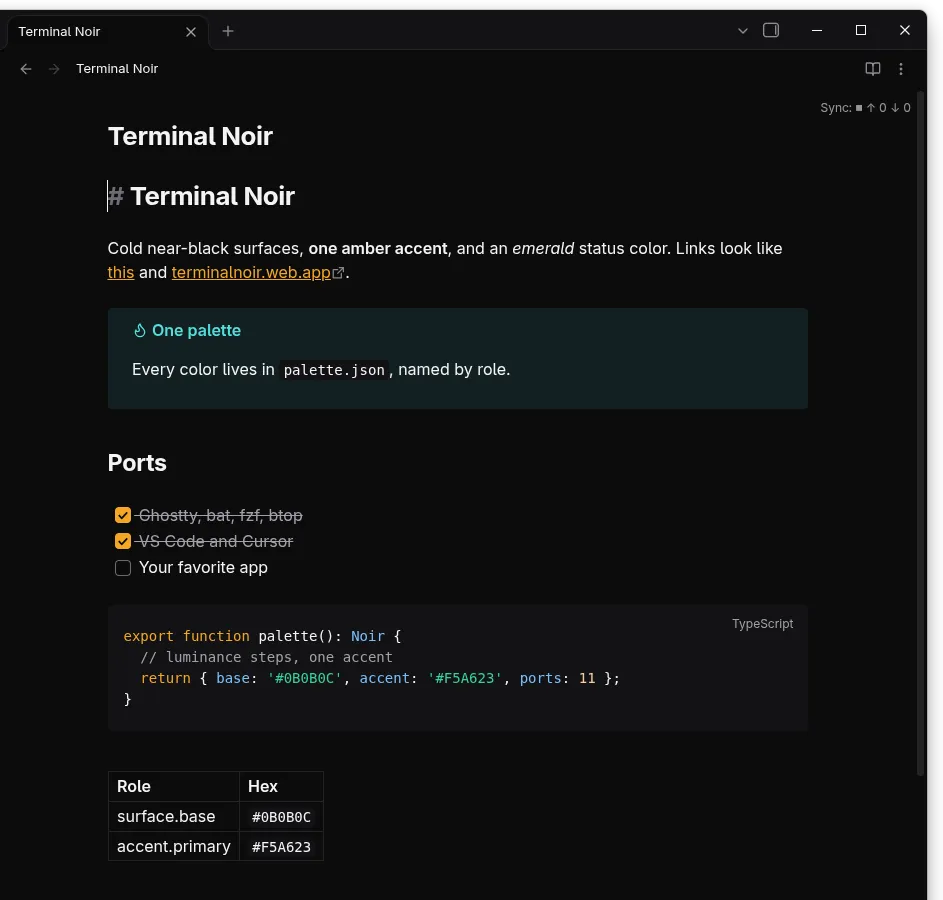
An Obsidian theme for dark mode: near-black panes, amber links and accent, and code blocks in the same colors as the editor ports.
Install
- Copy the
Terminal Noirfolder to<your vault>/.obsidian/themes/. - In Obsidian: Settings > Appearance, set Base color scheme to Dark, then pick Terminal Noir under Themes.
The folder is a standard community theme (manifest.json + theme.css), so it can also be loaded from a fork of obsidian-releases once published.